
Who Can I Share TLP-Marked Information With?
The Traffic Light Protocol explained: what TLP:RED, TLP:AMBER, TLP:GREEN and TLP:CLEAR actually permit, how marking works, and where teams go wrong.
How Do I Decide Which Information Needs the Most Protection?
See a fully worked information classification example across five systems and four labels, with the written reasoning behind every rating explained.
How Do I Explain Network Segmentation to Our Board?
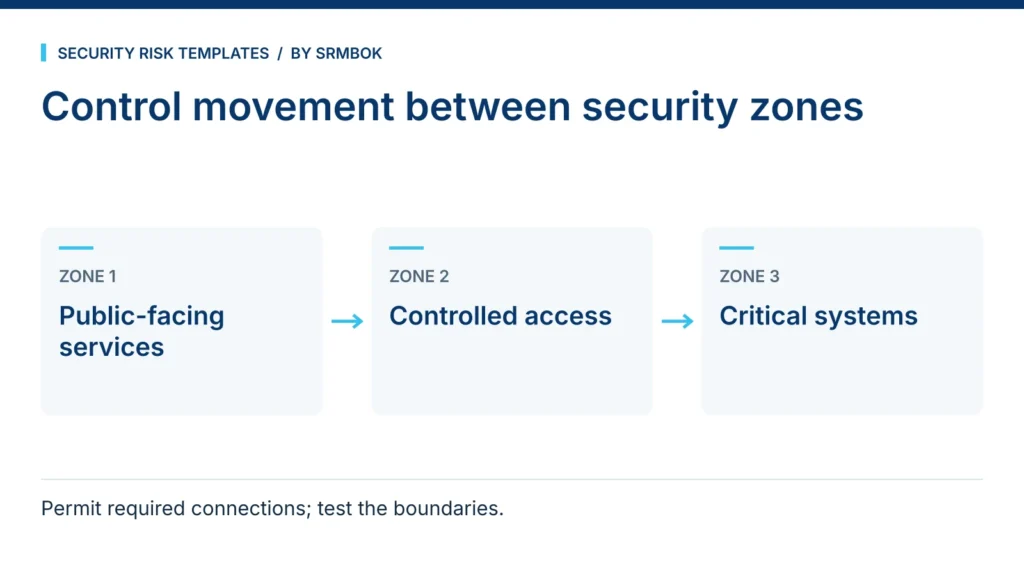
A method for explaining segmentation to a board using an enclave model, a reach matrix and gates, instead of a technical topology diagram.
How Do I Make a Risk Spreadsheet Easier to Use?
What makes a risk spreadsheet confusing to everyone who opens it, and the colour and layout conventions that fix it, plus a free style guide.
How Do I Help a Security Operations Team Apply TLP Consistently?
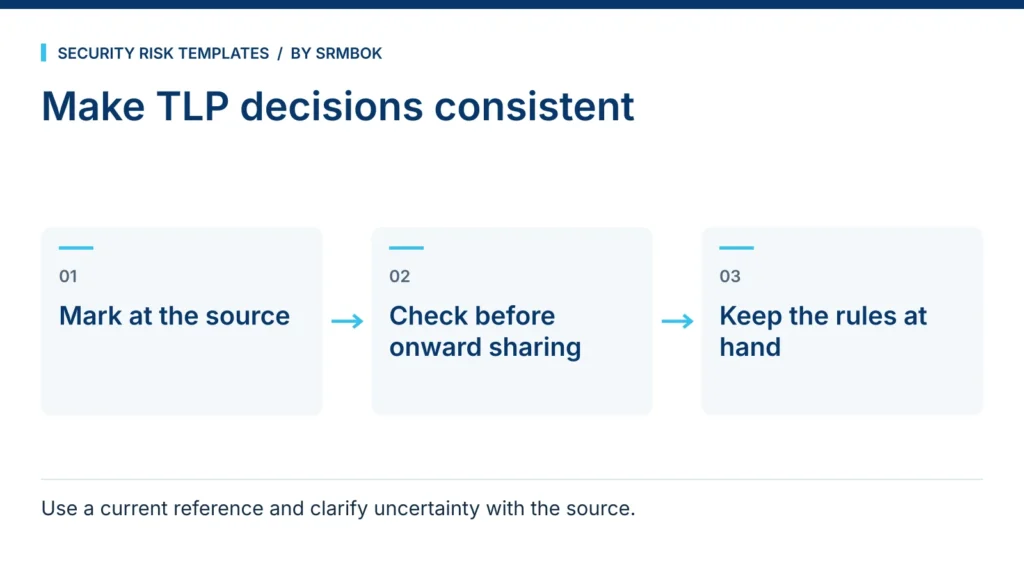
A free TLP wall chart for your security operations centre, covering markings, label selection and the common mistakes teams make when applying them.