
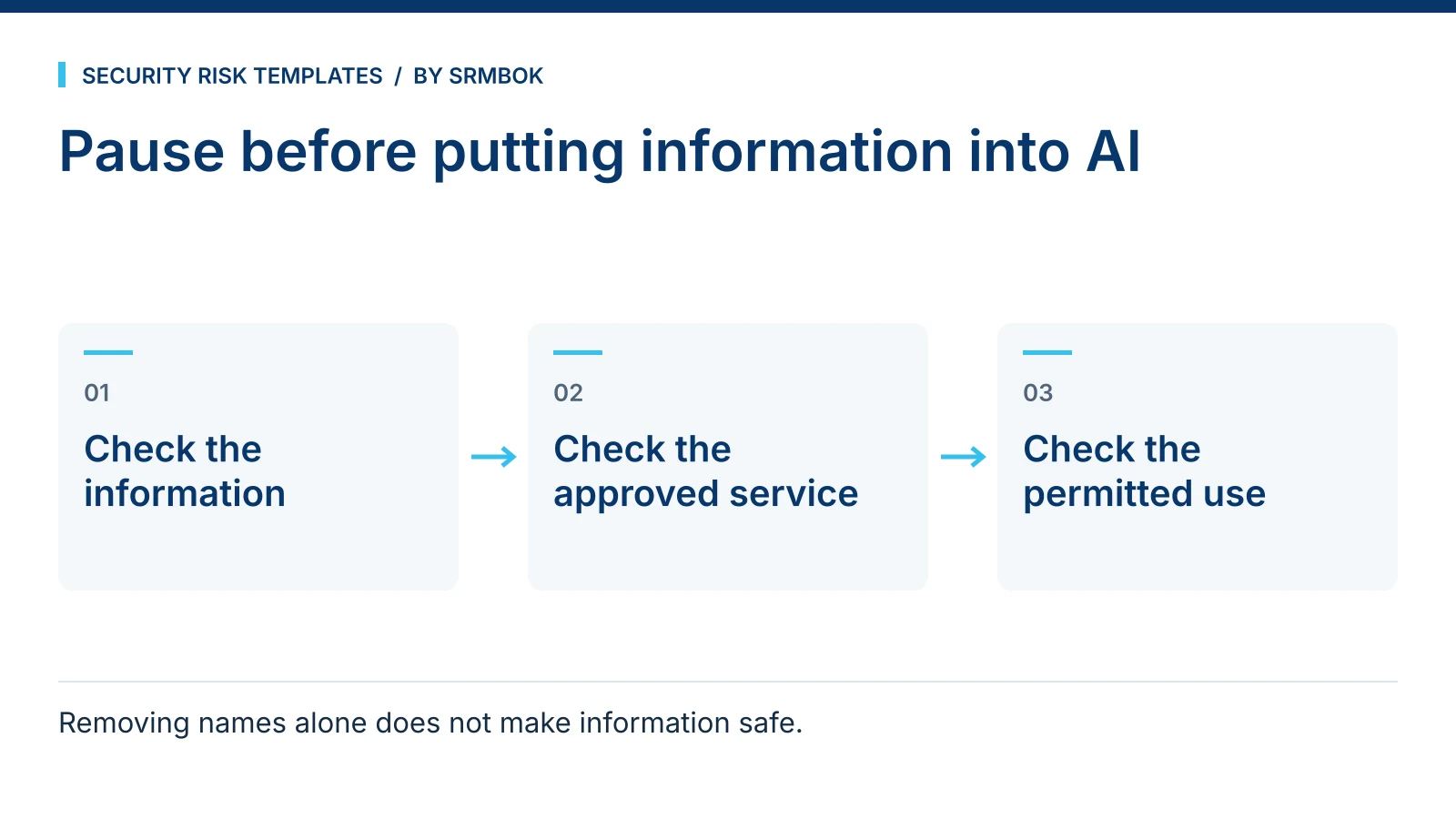
Before pasting an incident report, contract or staff record into an AI tool, check the information and the service your organisation has approved. A quick screening method can identify material that needs to be removed, handled under specific controls or kept out of that service.
This is not a call to avoid AI tools. It is a call to have a fast, repeatable check so the decision is made on purpose, not on autopilot at 4:45pm.
Why deciding what is safe to paste into AI is harder than it looks
The risk with pasting text into a public AI tool is not usually that the model “leaks” your specific paragraph to a stranger tomorrow. The real exposure is more mundane and more common: the data leaves your organisation’s control and enters a third party’s systems, under that third party’s terms, retention rules and jurisdiction, which are rarely the ones your own data handling policy was written around. Depending on the tool and the account type, that text may be stored, may be used to improve the underlying model, and the provider’s terms may not meet the confidentiality commitments you have made to your client or employer. Check the approved service and its actual contract and settings.
Security risk practitioners already have a name for this kind of problem: it is a control gap between what people are permitted to do and what they are actually doing. A policy that says “do not paste confidential data into AI tools” changes nothing if staff cannot quickly tell what counts as confidential in the document in front of them right now. Documenting the rule is not the same as the rule being followed.
The Australian privacy regulator’s guidance on commercially available AI products recommends, as best practice, keeping personal and especially sensitive information out of publicly available generative AI tools.
The four questions
Before pasting text into any AI tool you do not fully control, ask:
- Does this identify a specific person? Names, employee IDs, addresses, health information, or anything that lets someone be singled out.
- Does this identify a specific organisation’s vulnerabilities? Site layouts, access control details, system architecture, incident specifics, control gaps.
- Am I bound by a confidentiality or contractual obligation covering this content? Client contracts, NDAs, employment terms, procurement conditions.
- Would I be comfortable if this exact text appeared in a screenshot shared outside my organisation? This is a gut check, not a legal test, but it is often the fastest one.
A “yes” to any of the first three, or discomfort at the fourth, means the content needs work before it goes anywhere near a general-purpose AI tool — or it does not go in at all.
Never / Only With Controls / Fine
Sorting real examples into three bands makes the test usable under time pressure, rather than a philosophical exercise every time.
| Band | What it covers | Example |
|---|---|---|
| Never | Content that identifies people, sites or vulnerabilities and cannot be meaningfully anonymised without destroying its usefulness | An incident report naming the affected individual, the exact building and the specific control that failed |
| Only With Controls | Content that is useful to process but needs anonymising, aggregating or generalising first, or requires an enterprise tool with a data processing agreement in place | A contract clause with the counterparty’s name and figures removed; a policy draft with placeholder organisation names |
| Fine | Generic, public, or already-published content with no organisation-specific or personal detail | Your own non-sensitive generic text, material you have permission to reuse, or a general “how do I structure X” question |
Most day-to-day work sits in the middle band, which is exactly where people default to skipping the anonymising step because it takes a few extra minutes. That is the gap this test is meant to close.
Worked example: a mid-size water utility
A risk adviser at a fictional water utility, Blue Ridge Water, wants ChatGPT to help rewrite a clunky paragraph from a physical security assessment. The original reads:
“The intake pump station at 14 Mill Road has a single perimeter fence with a gap under the eastern gate large enough for an adult to crawl through, and the access log shows the last inspection was six months overdue.”
Run the four questions: it identifies a specific site by address, it describes a specific exploitable vulnerability, and it may be covered by a client confidentiality clause. That is a clear Never.
Anonymised for the same drafting help:
“The intake pump station has a single perimeter fence with a gap under one gate large enough for an adult to crawl through, and the access log shows the last inspection was significantly overdue.”
The second version removes some identifiers, but it is not automatically safe to share. The remaining vulnerability and combination of details may still be sensitive or recognisable. For simple drafting help, use a fully synthetic example if the approved service cannot accept the underlying information.
Common mistakes
- Assuming “the enterprise version” solves everything. An enterprise or paid AI subscription with a data processing agreement changes the vendor’s obligations, not whether the content is appropriate to share at all. Confidential client data still needs a lawful basis and contractual permission to be shared with any third party, paid tier or not.
- Anonymising the name but leaving the identifying detail. Removing “Blue Ridge Water” while leaving the exact address, a unique incident date and a specific dollar figure still identifies the organisation to anyone who knows it.
- Treating this as an IT problem. The decision happens at the point someone is about to paste, usually a risk adviser, a facilities manager or an executive assistant, not at a firewall. The control has to work at that moment, not upstream of it.
- No consistent answer across a team. If three people on the same project apply three different personal standards for what is “fine to paste,” you have a policy gap, not three individual lapses.
- Skipping the check because the tool “felt” trustworthy. The test should apply to the content, not to which AI brand is asking for it.
- Assuming a “yes” once means “yes” always. A vendor’s terms, retention settings and default data-sharing behaviour can change between product updates. What was fine to paste six months ago is worth re-checking against the same four questions, not assumed to still be fine because it was last time.
Free working resource
Keep the check beside the keyboard
The AI Line Field Card is a PDF covering the four-question test, Never / Only With Controls / Fine, anonymisation, common failure paths and checks before AI-assisted work enters a signed deliverable. Use it within your organisation’s approved-service rules.
Download the free AI Line PDF field card
Opens the SRMBOK product page. Add the free item to your cart and complete the $0 order to receive the download. Check the newsletter choice at checkout.