
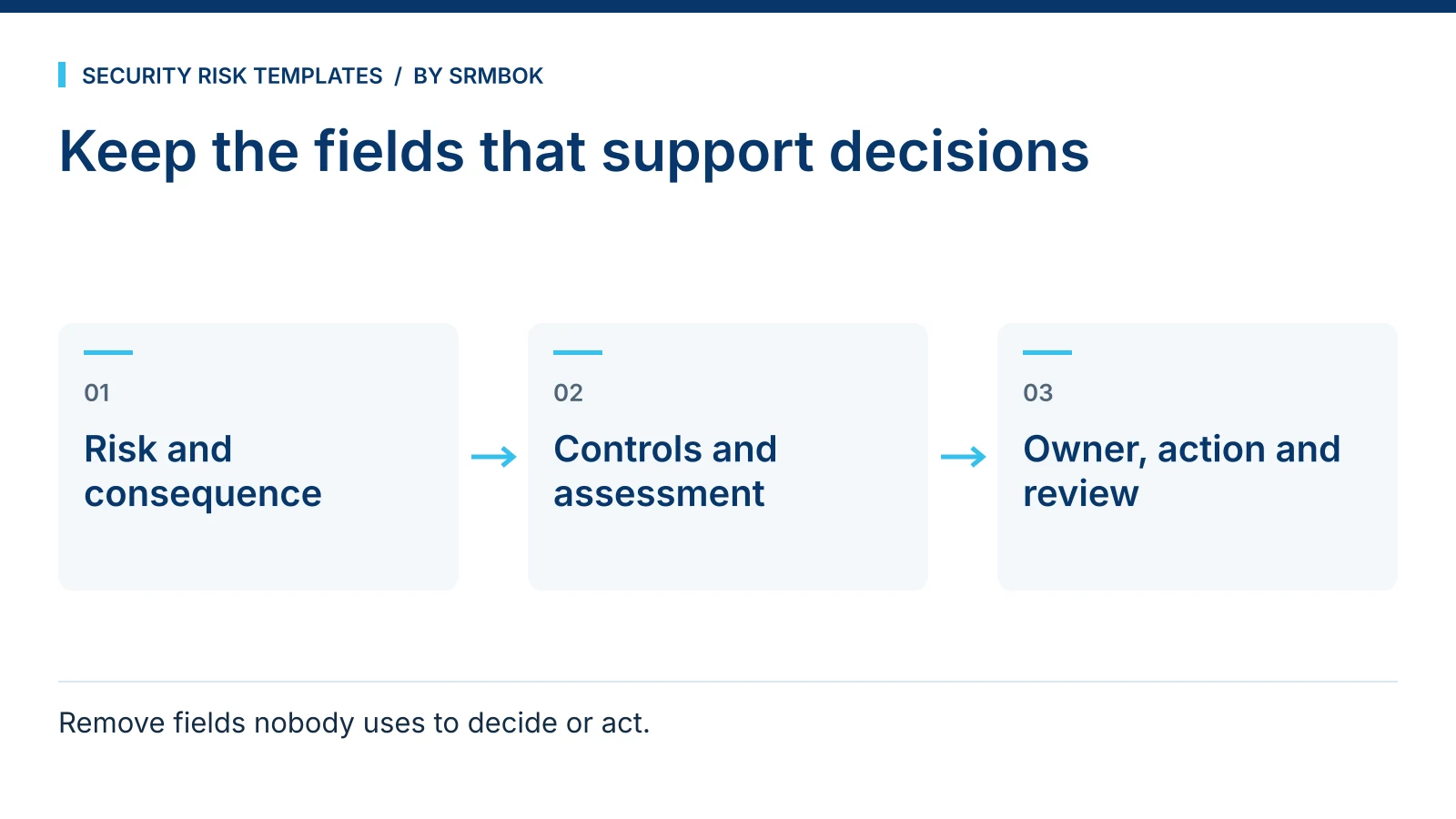
If your risk register has more columns than anyone can keep current, test each field against a decision or responsibility it supports. Retain the information needed to understand the risk, evaluate controls, assign ownership and follow up action.
A risk register only works if people update it. The minimum set of fields that actually gets maintained beats the comprehensive set that gets ignored, every time.
What a risk register is actually for
A risk register is a working record, not an archive. Its job is to let someone answer three questions quickly: what are we worried about, what are we doing about it, and is that treatment on track. Every field earns its place by serving one of those three questions. Fields that exist because a template author thought they looked thorough, rather than because someone will act on the answer, are the fields that quietly stop being filled in.
This is consistent with how ISO 31000:2018 treats risk treatment as an ongoing, monitored activity, not a one-time entry — the standard is explicit that treatment plans need review and that risk information should support decisions, not just document them. It does not prescribe register fields; that is a practical design choice, and the practical answer is fewer fields, kept current, rather than more fields, half of them stale.
The minimum risk register fields
- Risk ID. A short, stable identifier. Do not renumber when risks are closed — retire the number, do not reuse it, or your historical reports stop lining up.
- Risk description. One sentence, cause and effect. Not "cyber security" — "unpatched finance server is exploited, disrupting payroll processing."
- Category. A short, fixed list you control (physical, personnel, information, third-party, and so on). Free text here defeats any later attempt to report by category.
- Owner. One named person, not a team or a role that rotates without update. A risk with no accountable owner does not get treated, it gets discussed.
- Current controls. What is actually in place now, in plain language, not a policy title.
- Likelihood and consequence rating. Whatever scale your organisation has agreed — this only works if the scale itself is documented once, elsewhere, and applied consistently.
- Treatment action. The specific next step, not the aspiration. "Implement least-privilege access review" is an aspiration. "Complete access review for finance server by 30 November, owner: IT Manager" is a treatment action.
- Treatment status. Open, in progress, closed, or overdue — a short fixed list, not a paragraph.
- Review date. When this entry was last actually looked at, and when it is due again.
Nine fields. That is the whole minimum set, and it is deliberately short enough to fit on a screen without scrolling sideways, which matters more to whether it gets used than any feature added after that.
What to leave out, and why
Fields that commonly get added and then quietly abandoned:
- Inherent vs residual risk scoring, kept as two full sets of likelihood and consequence ratings. Useful in mature programmes with disciplined facilitators. In most organisations it produces two numbers nobody can explain the difference between six months later, and the "inherent" score stops being updated at all.
- A free-text risk appetite field per risk. Appetite is normally set at a category or organisational level, not negotiated risk-by-risk in a register cell.
- Multiple owner fields (primary, secondary, escalation). If ownership needs three people to cover it, ownership has not actually been assigned — it has been distributed to avoid the decision.
- A detailed cost-benefit column for every treatment. Worth doing for major treatments as a separate piece of analysis. Forcing it into every register row for every minor risk guarantees the column gets copy-pasted or left blank.
Add fields back deliberately, one at a time, only once the minimum set has been used consistently for a period and a specific gap is provable — not because a single stakeholder asked for their pet column in a meeting.
Worked example: before and after at a regional airport
A fictional regional airport's facilities team inherited a register with twenty-two columns, including four separate scoring methodologies left over from three previous risk consultants. Here is one row, abbreviated, before and after simplifying to the nine-field minimum.
Before (partial): Risk ID: —; Category: "Security/Safety/Other"; Description: "Perimeter fence issues"; Inherent Likelihood: 4; Inherent Consequence: 3; Residual Likelihood: 3; Residual Consequence: 2; Primary Owner: "Ops team"; Secondary Owner: blank; Controls: "See policy SEC-14"; Treatment: "Ongoing monitoring"; nine more largely blank columns.
After:
| Field | Entry |
|---|---|
| Risk ID | SEC-07 |
| Description | Damaged section of the eastern perimeter fence allows unauthorised pedestrian access to the airside apron |
| Category | Physical |
| Owner | Airside Operations Manager |
| Current controls | Daily visual perimeter check by ground staff; CCTV coverage of the affected section |
| Likelihood / Consequence | Likely / Major |
| Treatment action | Repair fence section by 15 November; interim hourly patrol added to the affected stretch |
| Status | In progress |
| Review date | Reviewed 20 September; next review 15 November |
The second version is shorter and says more. Anyone reading it — including someone who has never seen the register before — knows exactly what the risk is, who owns it, and what happens next.
Common mistakes
- Letting "Notes" become the real register. If the free-text notes column is where all the useful detail actually lives, your structured fields are decorative and your register is not reportable.
- A likelihood/consequence scale that changes between updates. If the rating scale is not documented once and applied the same way every time, ratings across rows are not comparable and any heat-map built from them is misleading.
- No genuinely closed status. Risks that are functionally dead but never marked closed accumulate until the register is mostly noise.
- Review dates that are never actually reviewed. A review date field with no consequence for missing it becomes decorative within two cycles.
- Building the register to impress an auditor rather than to run the programme. A register optimised for how it looks in an audit sample is usually the one nobody uses for actual decisions between audits.
Start with the minimum set
The SRMBOK Risk Register Starter Pack is a deliberately simple risk register and treatment plan template with customisable fields, integrated treatment tracking and a summary view for stakeholders — built to get a first register started without the twenty-two-column problem. If your registers keep surfacing the same category of finding, The 9 Steps of a Security Risk Assessment, In Order shows where register entries fit in the wider process. Where a treatment relates to specific technical controls, Essential Eight Maturity Level 1 vs 2 vs 3: What Each Really Requires is useful background, and if you use AI tools to help draft risk descriptions, Anonymising a Prompt Without Destroying the Answer covers doing that safely.
Download the SRMBOK Risk Register Starter Pack and build a register with fields people will actually keep current.